Gantt charts are a fundamental tool in project management, used to illustrate the timeline of a project and the relationships between different tasks. One crucial aspect of managing projects with Gantt charts is understanding slack time, also known as float. Slack time refers to the amount of time that a task can be delayed without affecting the overall project timeline. Effective management of slack time can significantly impact the success of a project, allowing for better allocation of resources and minimizing delays.
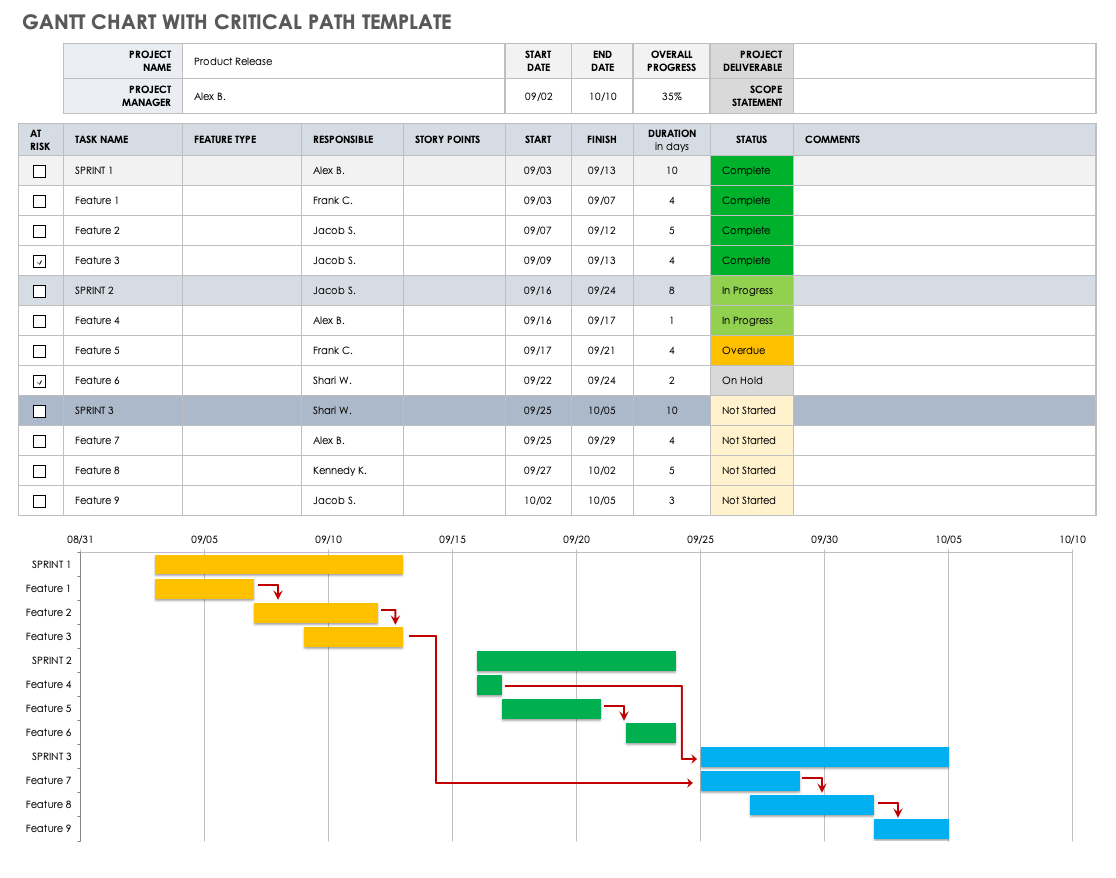
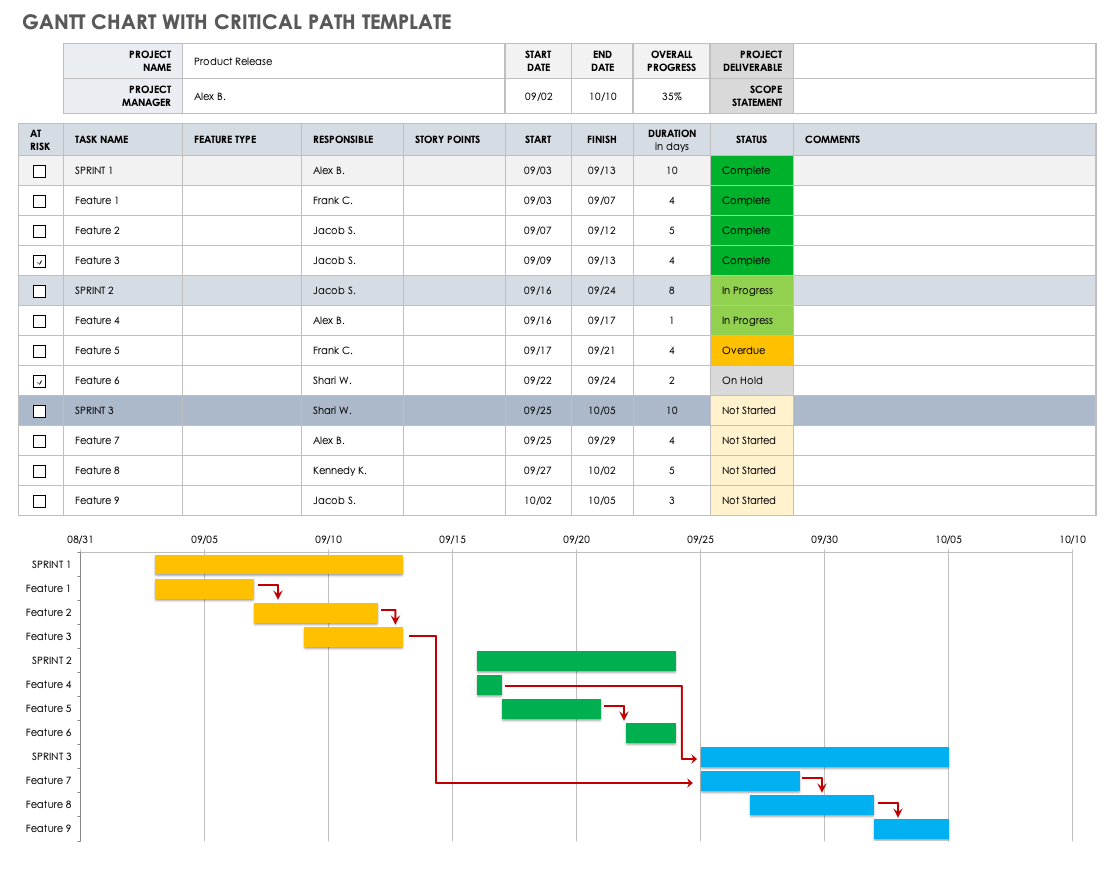
The concept of slack time is closely related to the critical path method (CPM), which is a step-by-step project management technique for process planning that defines critical and non-critical tasks, including the amount of time that is required to complete a task or project and the minimum duration required to complete a project from start to finish. By identifying tasks that are on the critical path and those that have slack time, project managers can prioritize tasks, manage resources more efficiently, and make informed decisions about which tasks can be delayed without impacting the project deadline.
12 Easy Gantt Chart Examples For Project Management Construction Marketing Video Production Web Development Editorial Content Software Development Event Planning Promotion
Understanding Gantt Charts and Slack Time
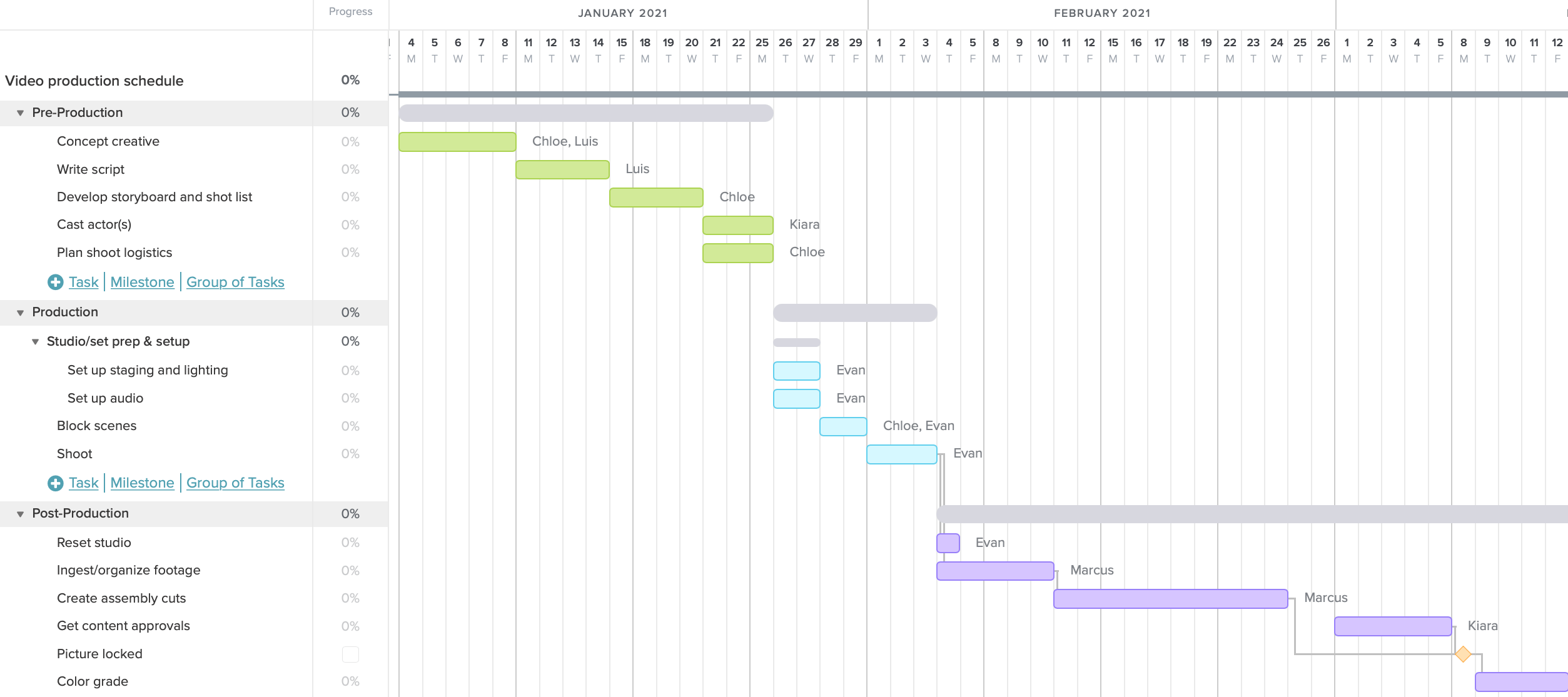
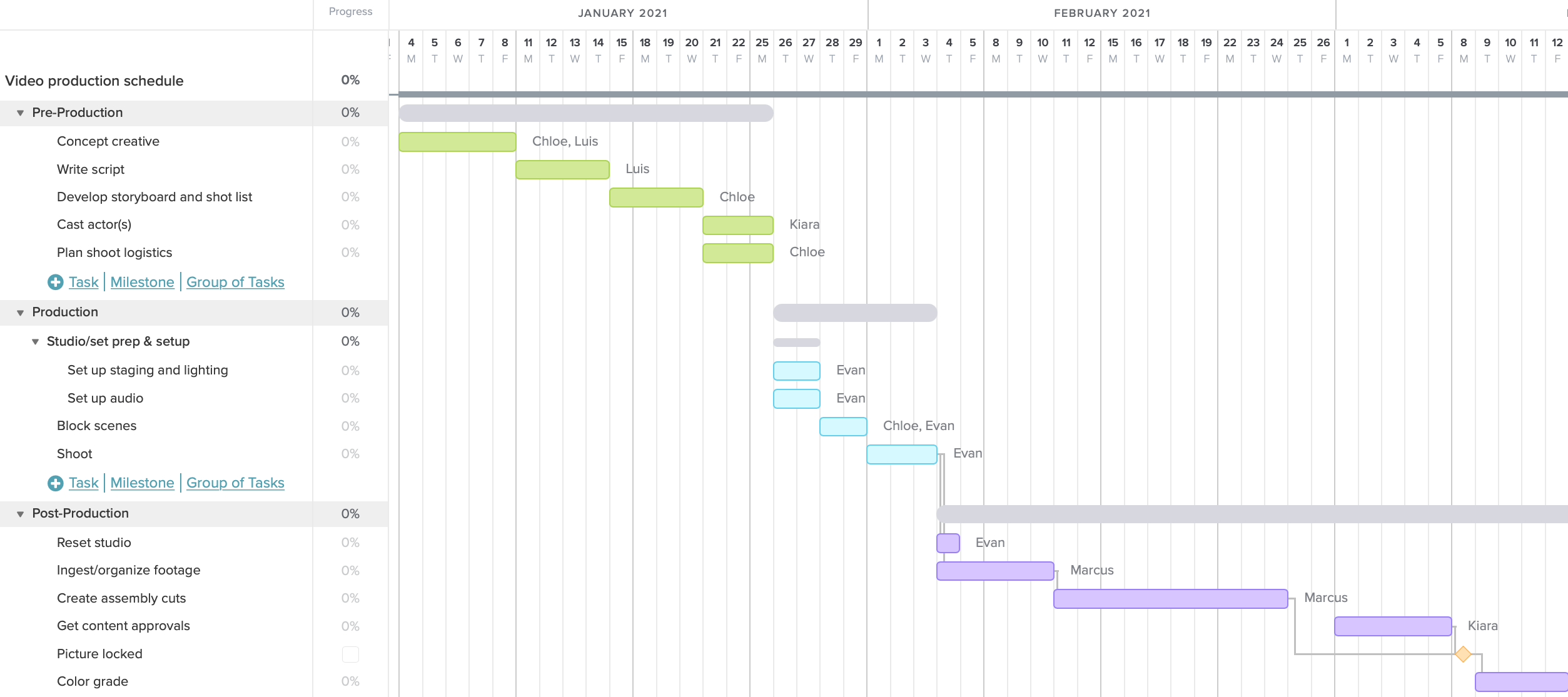
To understand Gantt charts and slack time, it’s essential to know how these charts are constructed and how slack time is calculated. A Gantt chart typically consists of a list of tasks on the left side and a timeline on the right side. Each task is represented by a bar that shows the start date, duration, and end date of the task. Slack time is calculated by determining the difference between the early finish date and the late finish date of a task, without affecting the project’s overall duration. This calculation helps in identifying which tasks can be delayed and by how much without impacting the project timeline.
12 Easy Gantt Chart Examples For Project Management Construction Marketing Video Production Web Development Editorial Content Software Development Event Planning Promotion
Calculating Slack Time in Gantt Charts
Calculating slack time in Gantt charts involves several steps, including determining the early start and finish dates for each task, based on the dependencies between tasks, and then calculating the late start and finish dates, considering the project’s end date. The slack time for each task is the difference between its late finish date and its early finish date. Tasks with zero slack time are on the critical path and must be completed on time to meet the project deadline. Tasks with positive slack time can be delayed by the amount of slack time available without affecting the project timeline.
Practical Example of Gantt Chart Slack Time
A practical example of Gantt chart slack time can be seen in a construction project where building the foundation, framing, and installing electrical systems are sequential tasks. If the electrical installation can start any time after the framing is completed and has a slack time of two weeks, it means that the electrical installation can be delayed by up to two weeks without affecting the project’s completion date. This flexibility allows project managers to allocate resources more efficiently, manage unexpected delays, and ensure the project stays on track.
Gantt Charts The Critical Path Method Smartsheet
In conclusion, understanding and managing slack time in Gantt charts is crucial for effective project management. By identifying tasks with slack time, project managers can better allocate resources, manage risks, and ensure that projects are completed on time. Whether you’re managing a small team or a large, complex project, mastering the use of Gantt charts and slack time can significantly improve your project’s success rate. With practice and the right tools, any project manager can become proficient in using Gantt charts to optimize project timelines and achieve project goals.
Gantt Charts The Critical Path Method Smartsheet
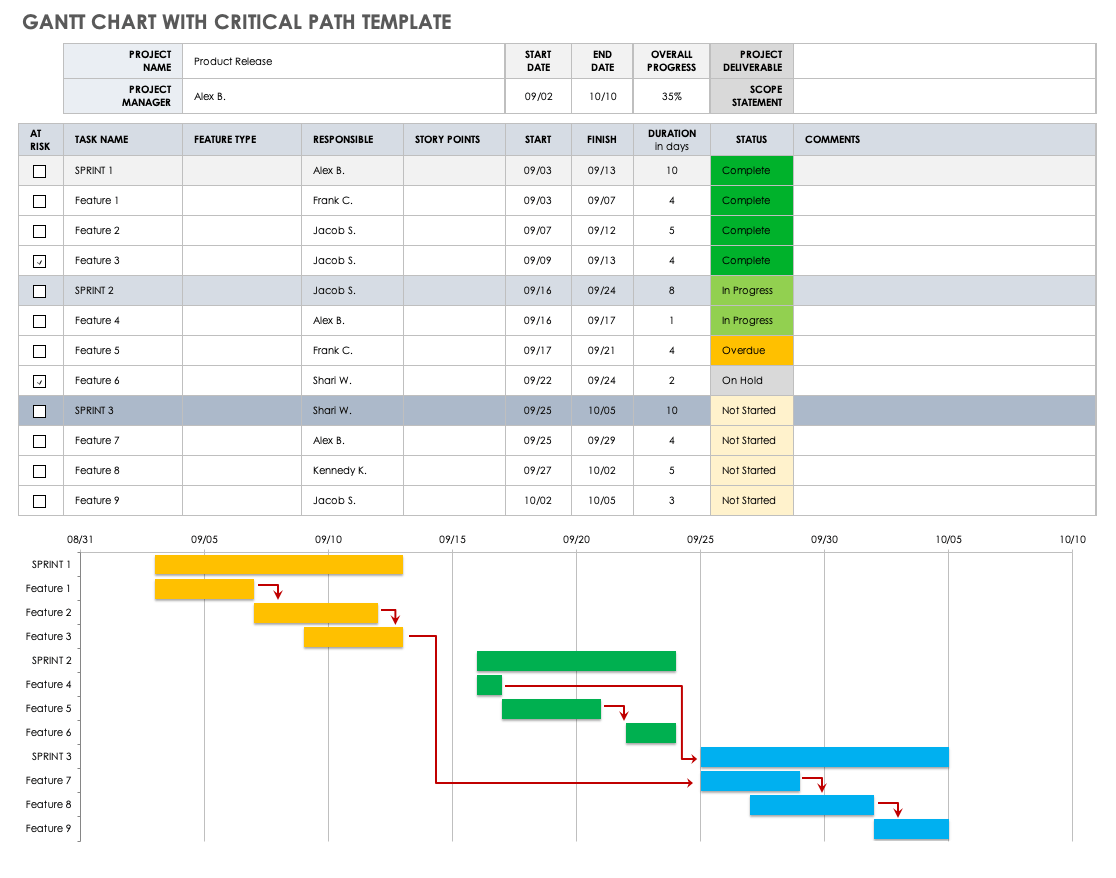
Gantt Charts The Critical Path Method Smartsheet