Working with time series data is a common task in many fields, including finance, economics, and science. However, not all time series data is created equal. Uneven time series data, where the time intervals between data points are not consistent, can be particularly challenging to work with. In Excel, creating effective charts to visualize and analyze uneven time series data requires some special techniques and considerations.
Excel offers a range of chart types that can be used to visualize time series data, including line charts, scatter plots, and area charts. However, when working with uneven time series data, the standard charting tools may not be sufficient. In this case, you may need to use some creative workarounds and customization techniques to create a chart that effectively communicates your data insights.
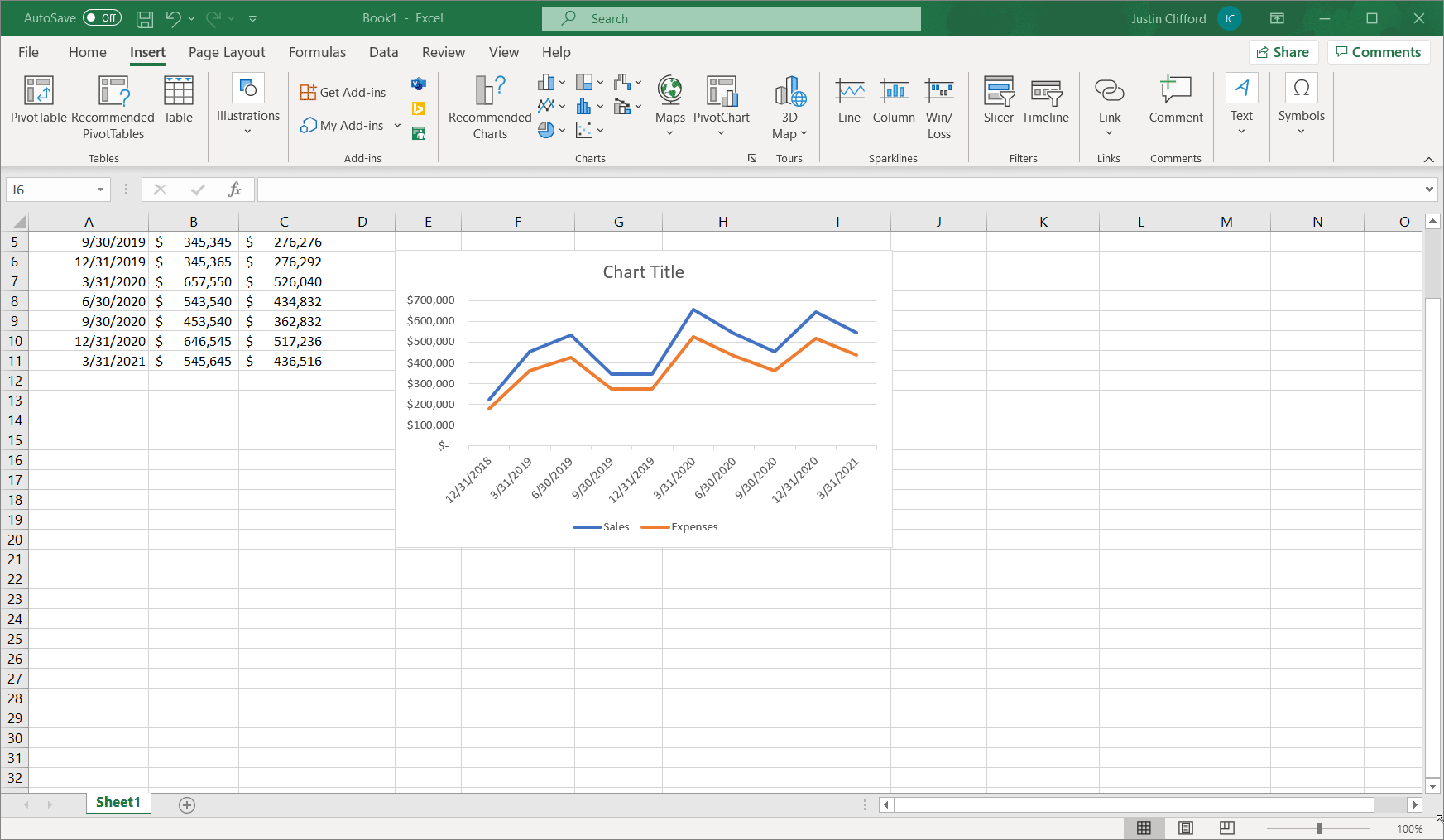
Line Graphs Boxplot
Understanding Uneven Time Series Data
Uneven time series data can arise from a variety of sources, including irregularly spaced observations, missing data points, or changes in the frequency of data collection. To work effectively with uneven time series data, it’s essential to understand the underlying patterns and structures in your data. This may involve using techniques such as data interpolation, resampling, or aggregation to create a more consistent and reliable dataset.
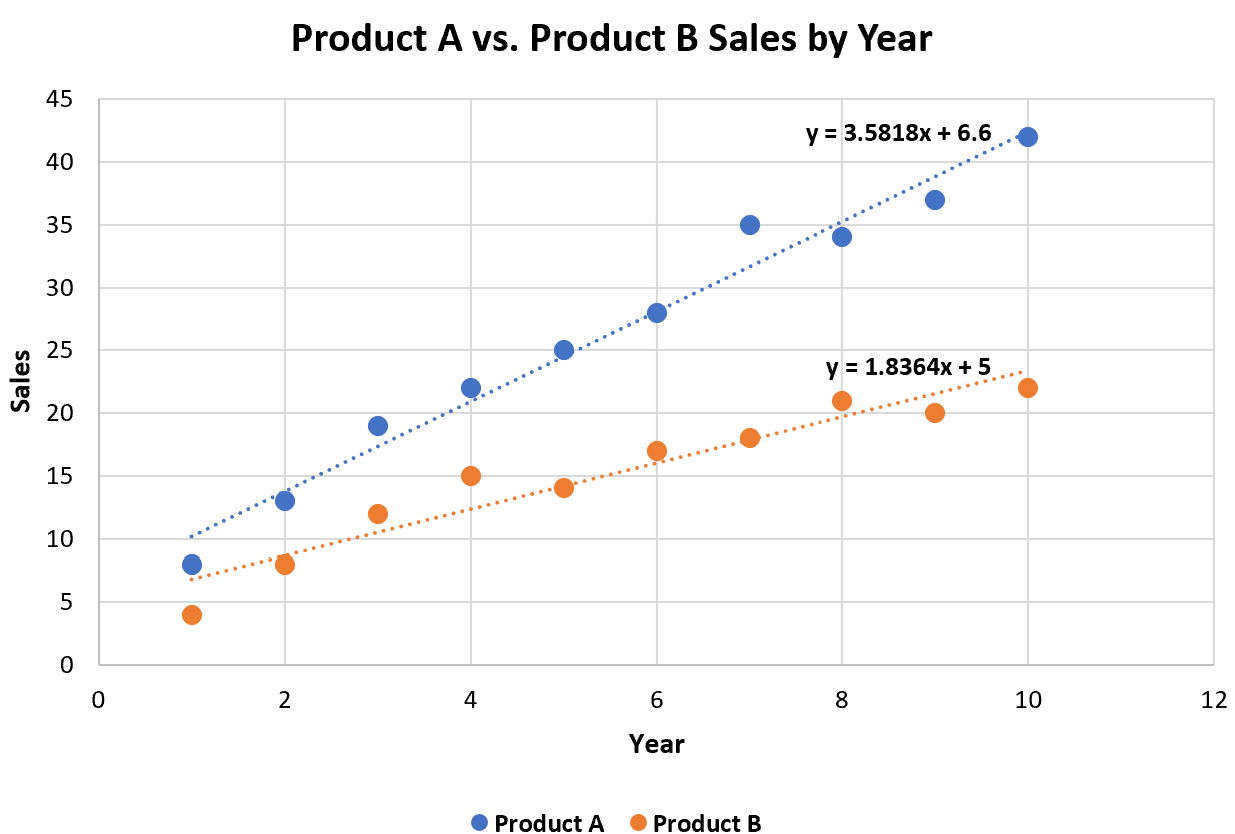
How To Add Multiple Trendlines In Excel With Example
Creating an Uneven Time Series Chart in Excel
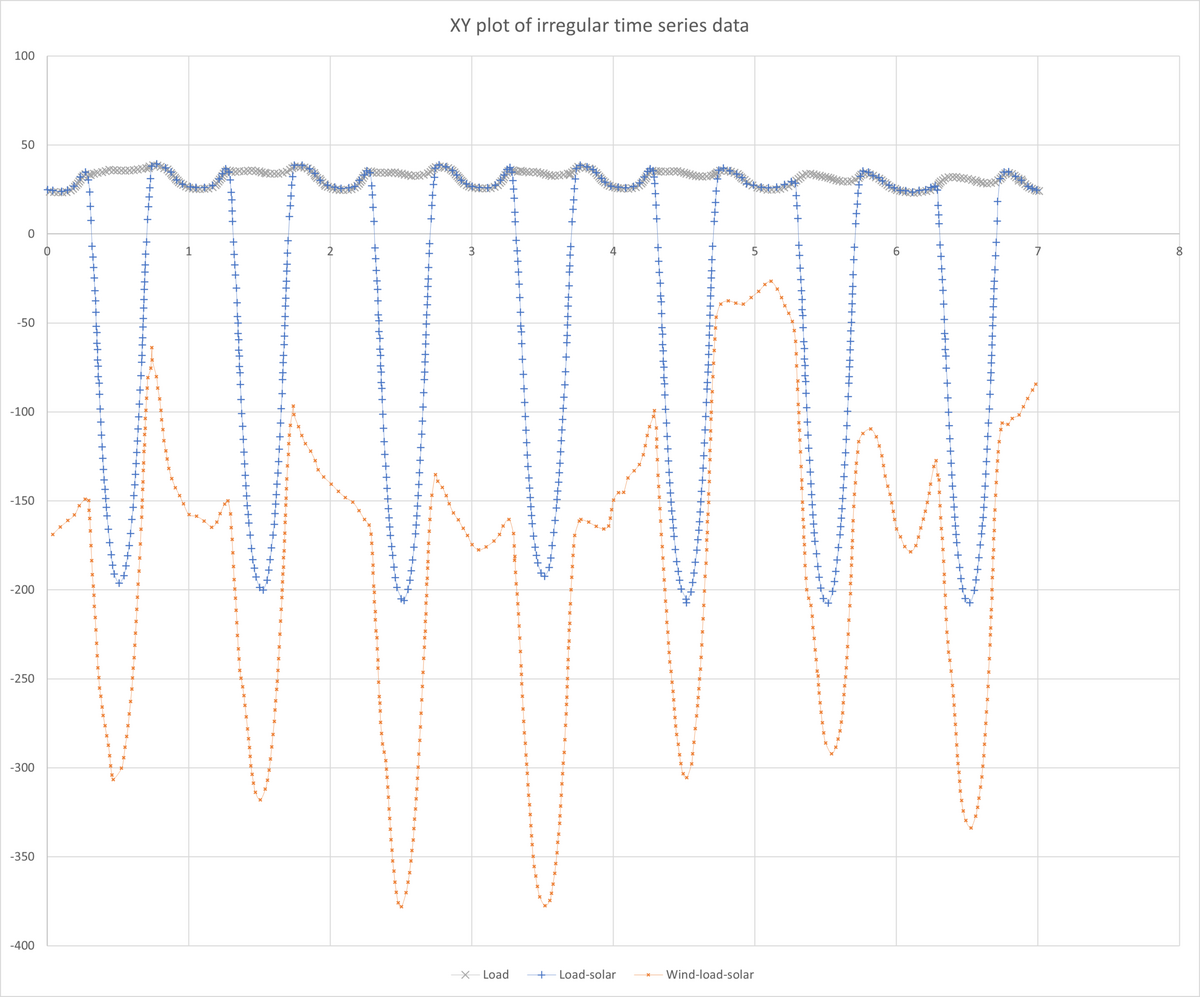
To create an uneven time series chart in Excel, you’ll need to use a combination of charting tools and data manipulation techniques. One approach is to use an XY scatter plot, which allows you to plot data points at irregular intervals. You can then customize the chart by adding lines, markers, or other elements to highlight specific patterns or trends in your data.
Customizing Your Chart for Better Insights
Once you’ve created your uneven time series chart, you can customize it further to enhance its clarity and effectiveness. This may involve adjusting the axis scales, adding labels or annotations, or using conditional formatting to highlight specific data points or patterns. By customizing your chart, you can create a more engaging and informative visualization that communicates your data insights to your audience.
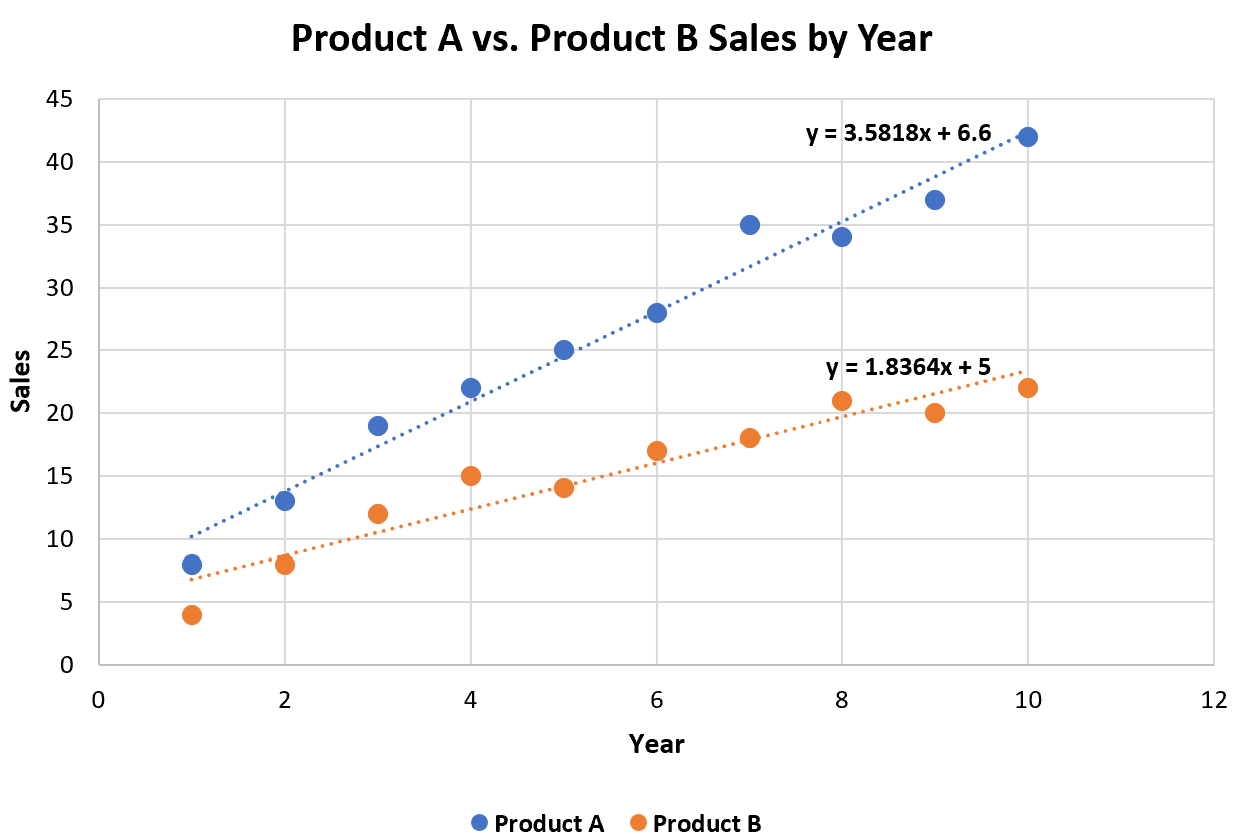
How To Add Multiple Trendlines In Excel With Example
By mastering the techniques and tools for working with uneven time series data in Excel, you can create powerful and informative charts that help you to analyze and understand complex patterns and trends. Whether you’re working in finance, economics, or another field, being able to effectively visualize and communicate uneven time series data can be a valuable skill that sets you apart from your peers.
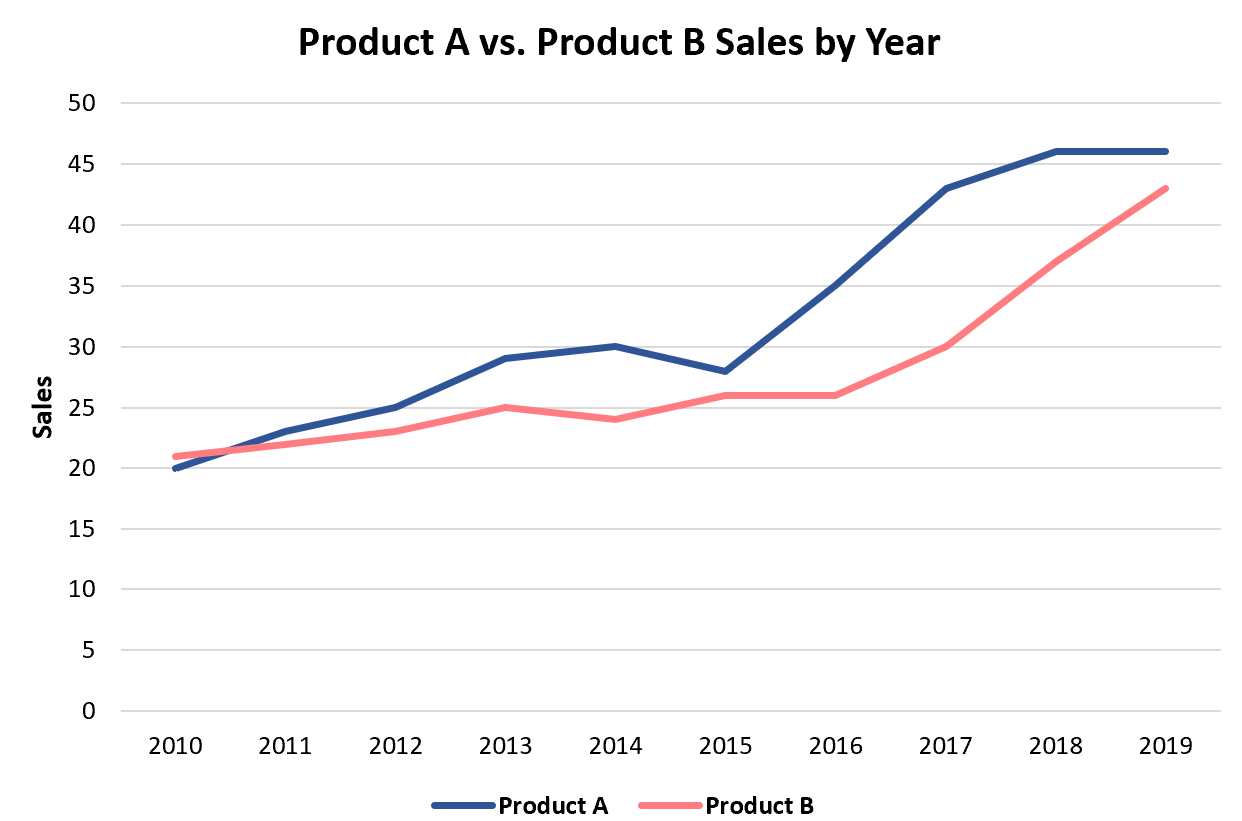
How To Create A Double Line Graph In Excel
Converting Irregularly Time Stamped Measurements Into Equally Spaced Time Series In Excel Stack Overflow