Gantt charts are a cornerstone of project management, offering a visual representation of tasks, timelines, and dependencies. One crucial aspect of Gantt charts is slack time, which refers to the amount of time that a task can be delayed without affecting the overall project timeline. Slack time is essential for project managers as it provides flexibility and helps in managing unforeseen delays or changes in the project scope.
Effective management of slack time can make a significant difference in the success of a project. It allows project managers to allocate resources more efficiently, manage risks, and ensure that the project is completed on time. Moreover, understanding slack time helps in identifying critical tasks that have no flexibility, thereby prioritizing them appropriately. Despite its importance, many project managers struggle with identifying and utilizing slack time effectively, which can lead to project delays and cost overruns.
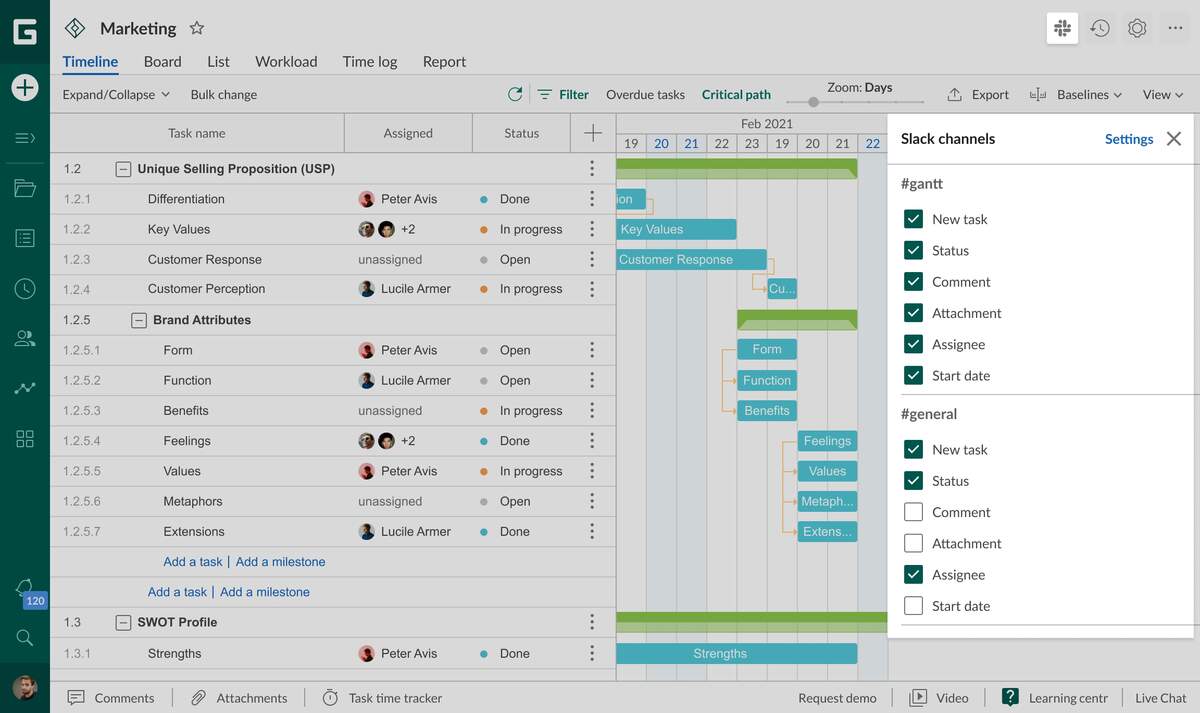
Integration With Slack GanttPRO Knowledge Base
Understanding Gantt Chart Slack Time
Understanding Gantt chart slack time begins with recognizing its two forms: free slack and total slack. Free slack is the amount of time a task can be delayed without delaying the early start of its successor tasks. Total slack, on the other hand, is the amount of time a task can be delayed without delaying the project finish date. Both types of slack are vital for project scheduling, as they help in planning and allocating resources, as well as in mitigating potential delays.
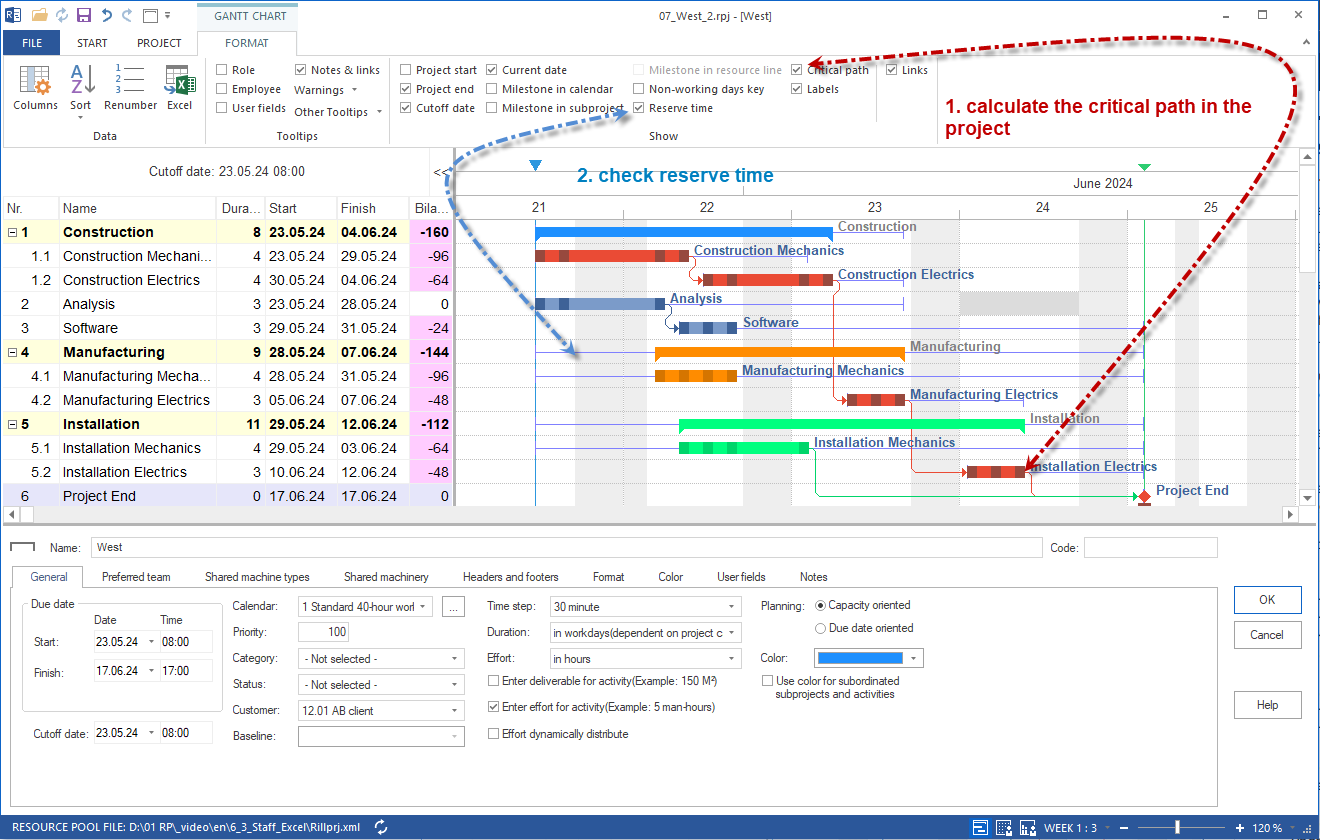
Schedule Reserve Time Buffer Time In Projectsn
Calculating Slack Time in Gantt Charts
Calculating slack time in Gantt charts involves determining the earliest start and finish times for each task, as well as the latest start and finish times. The difference between these times gives the slack time available for each task. Project management software often includes features to automatically calculate slack time, making it easier for managers to identify tasks with flexibility. However, manual calculation can also be done using the critical path method, which identifies the sequence of tasks that determines the shortest possible project duration.
Utilizing Slack Time for Project Optimization
Utilizing slack time for project optimization requires strategic planning. Project managers can use slack time to allocate additional resources to critical tasks, thereby ensuring they are completed on time. Slack time can also be used to accommodate changes in the project scope or to absorb delays in non-critical tasks. Furthermore, understanding which tasks have slack time allows for better resource allocation, reducing idle time and increasing productivity. By effectively managing slack time, project managers can enhance the overall efficiency and resilience of their projects.
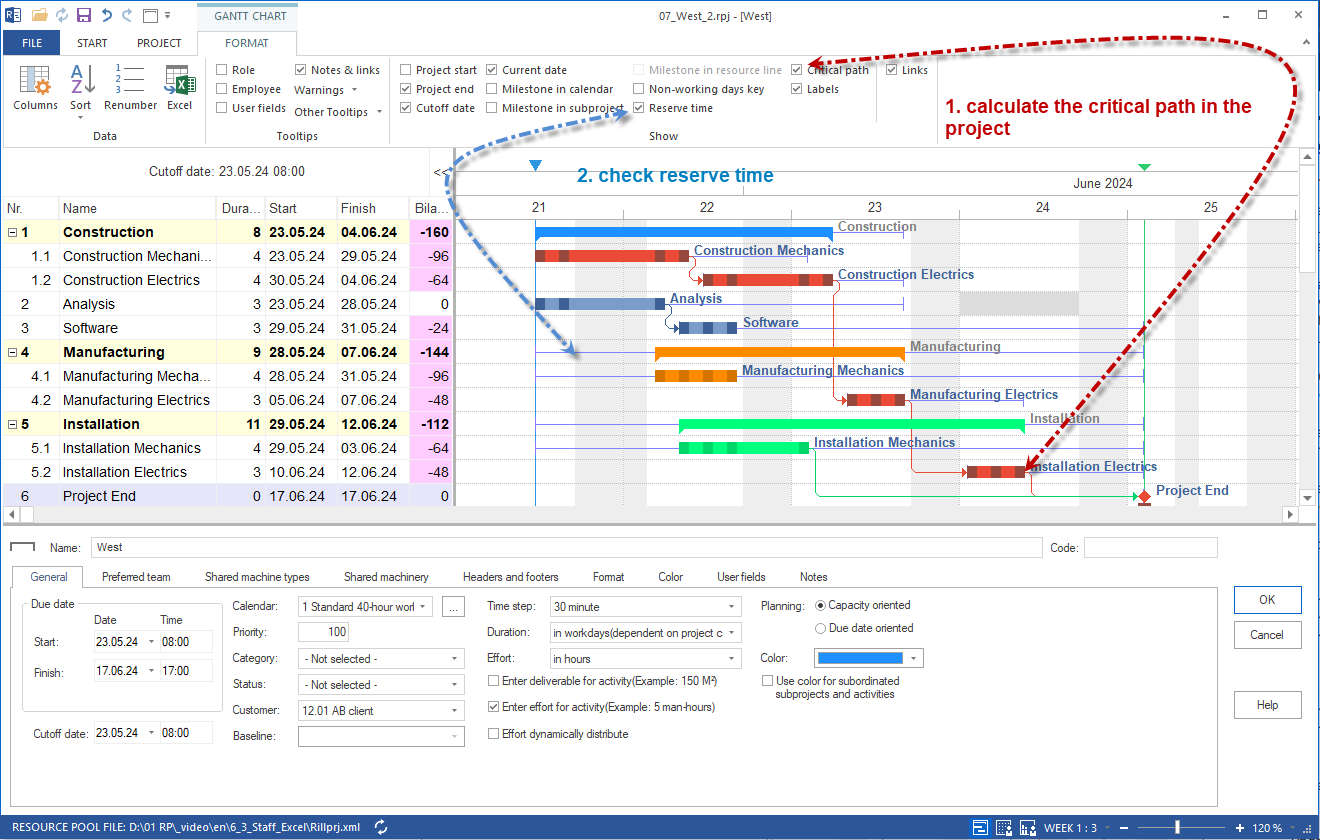
Schedule Reserve Time Buffer Time In Projectsn
In conclusion, Gantt chart slack time is a powerful tool in project management that offers flexibility and helps in managing project uncertainties. By understanding, calculating, and utilizing slack time effectively, project managers can optimize their project schedules, reduce risks, and ensure successful project outcomes. As project management continues to evolve, leveraging slack time in Gantt charts will remain a crucial skill for project managers aiming to deliver projects on time, within budget, and to the required quality standards.
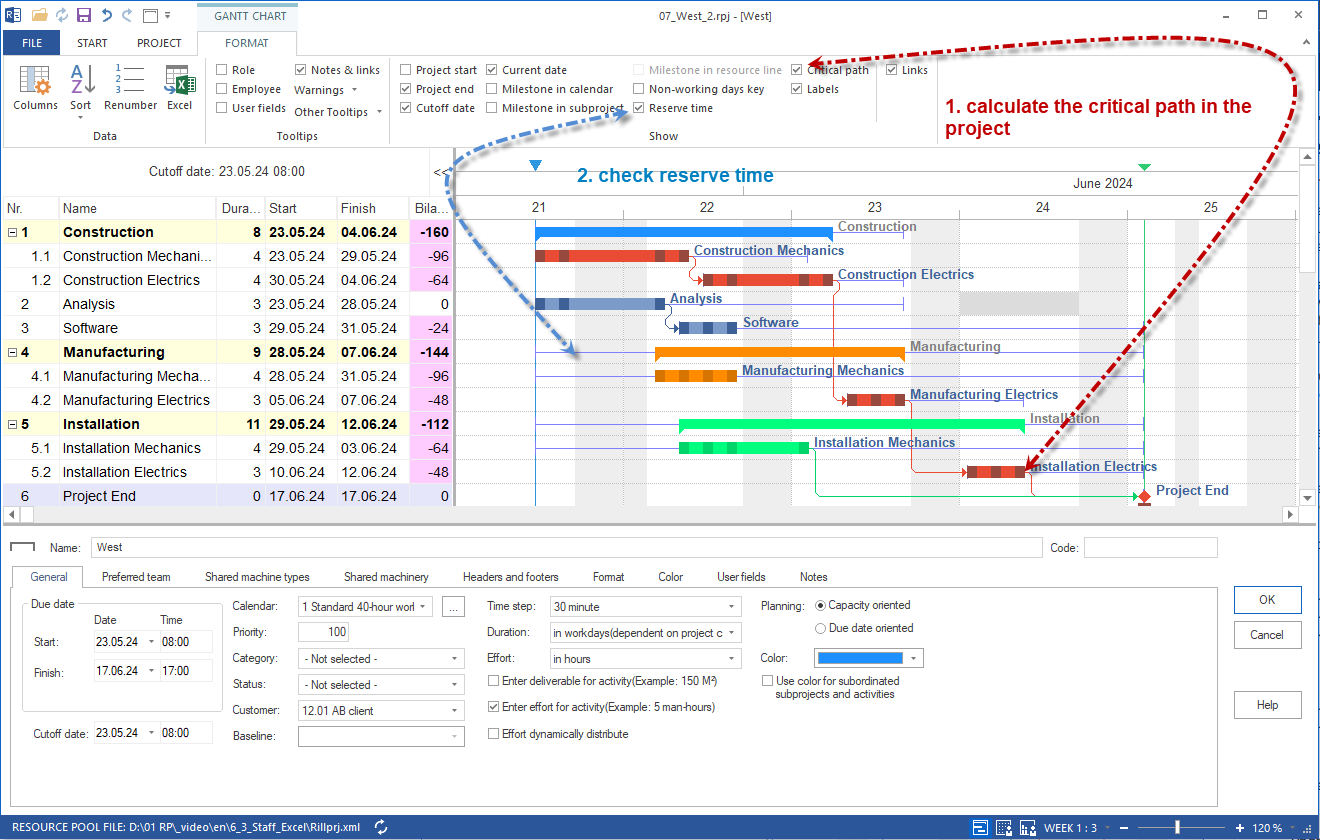
Schedule Reserve Time Buffer Time In Projectsn
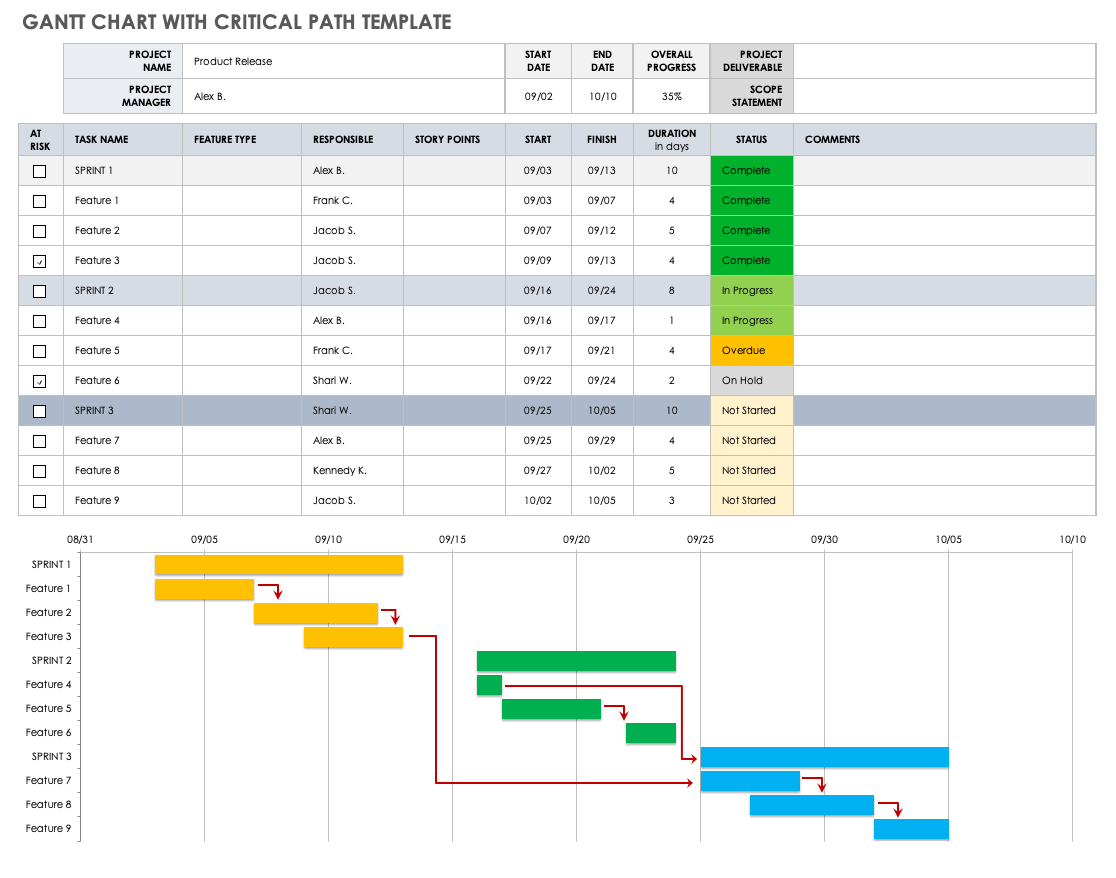
Gantt Charts The Critical Path Method Smartsheet