When it comes to tracking and showcasing time reduction trends, the right visualization can make all the difference. A well-crafted chart can help identify areas of improvement, illustrate progress over time, and facilitate data-driven decision-making. With numerous chart types to choose from, selecting the most suitable one can be a daunting task. However, by understanding the strengths and weaknesses of each chart type, you can create effective visualizations that communicate your message clearly.
Effective communication of time reduction trends is crucial in various fields, including business, healthcare, and technology. By leveraging the right chart, you can convey complex information in a concise and easily digestible format. This enables stakeholders to grasp the trends and patterns, making it easier to identify opportunities for improvement and optimize processes. Whether you’re tracking project timelines, patient recovery rates, or software development cycles, the right chart can help you tell a compelling story with your data.
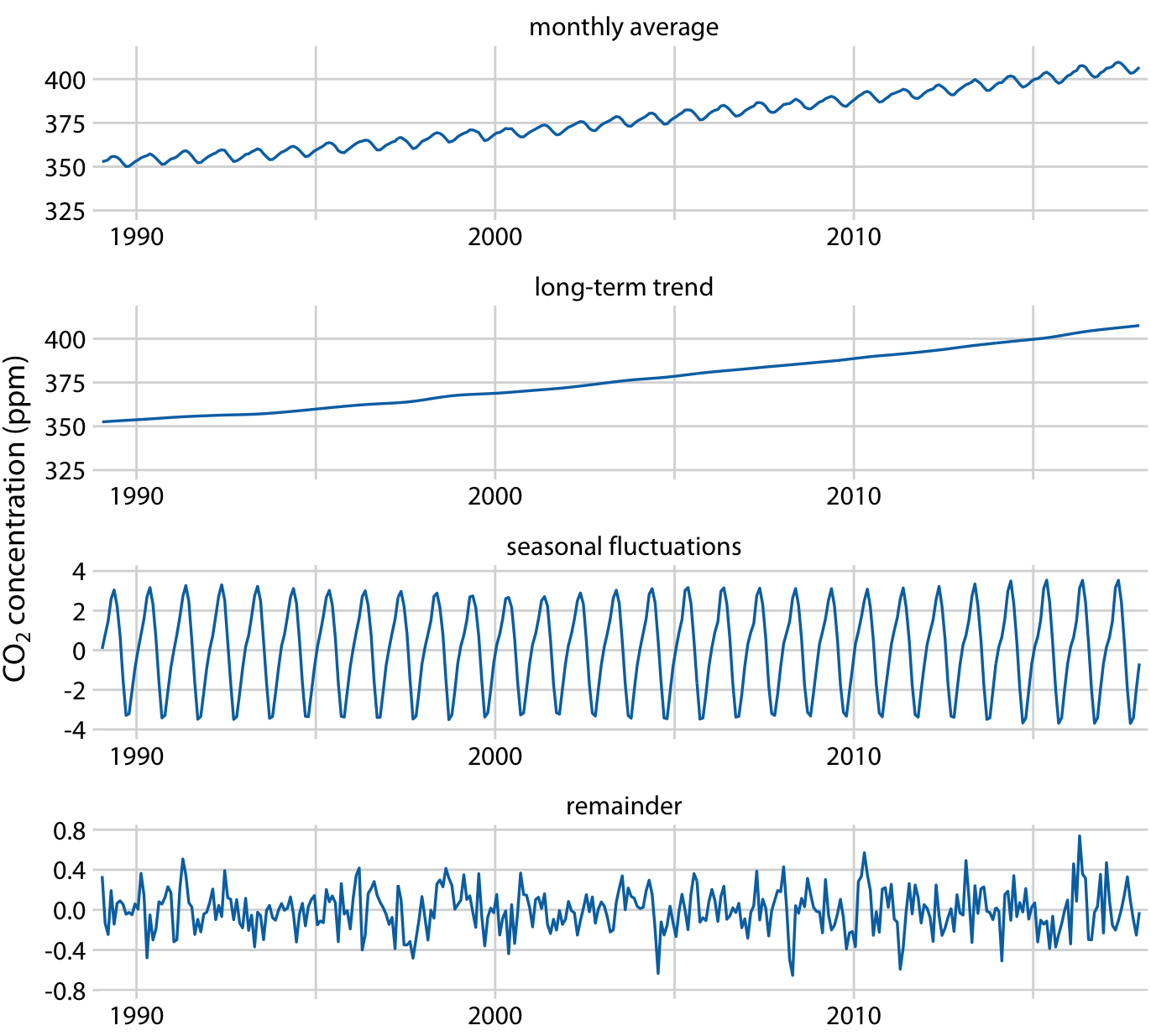
Fundamentals Of Data Visualization
Choosing the Right Chart Type
Choosing the right chart type is essential to effectively communicate time reduction trends. Line charts, bar charts, and scatter plots are popular options, each with its unique strengths and weaknesses. Line charts are ideal for showing trends over time, while bar charts are better suited for comparative analysis. Scatter plots, on the other hand, are useful for identifying correlations between variables. By selecting the most suitable chart type, you can create a clear and concise visualization that resonates with your audience.
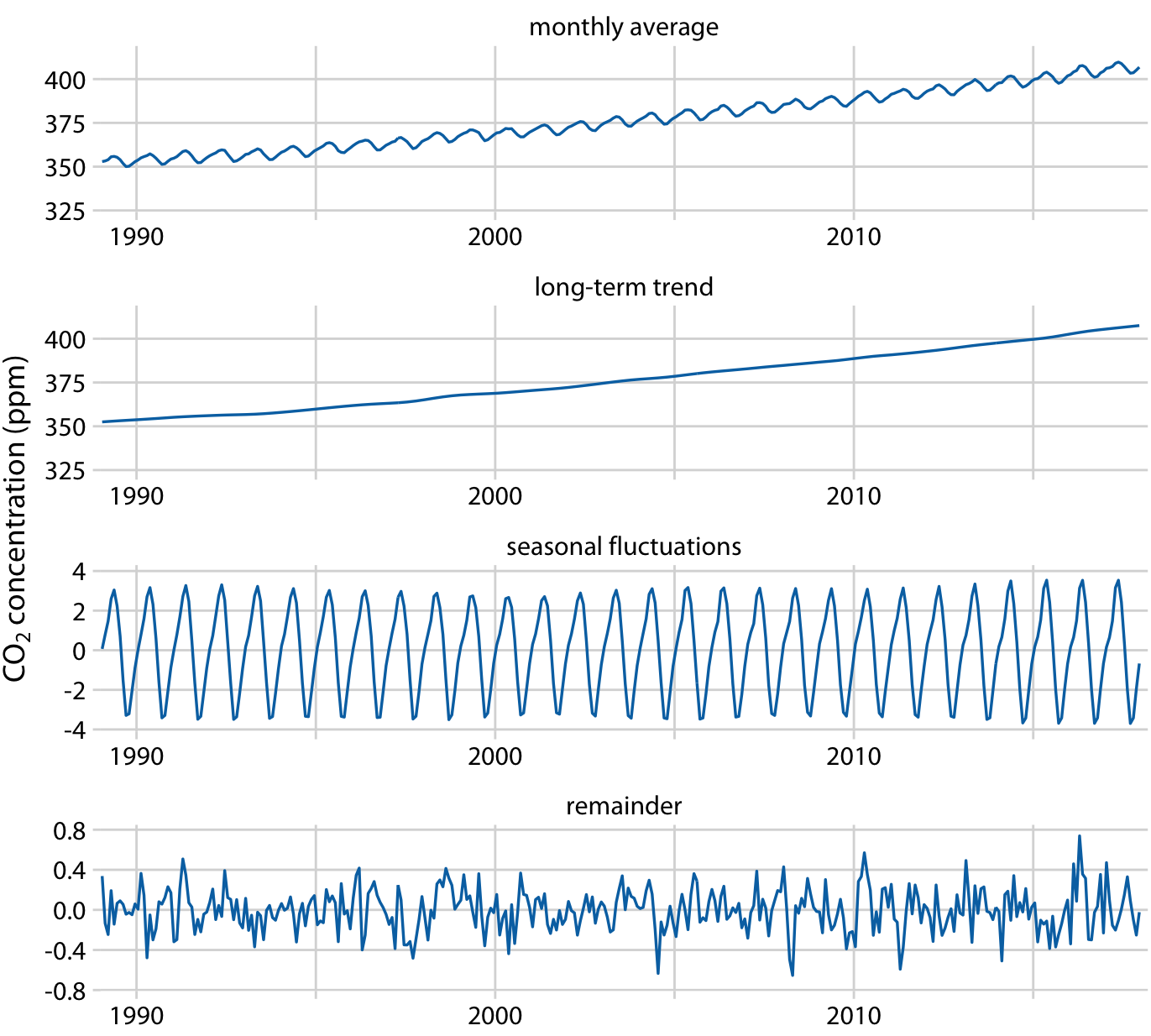
Fundamentals Of Data Visualization
Line Charts for Time Reduction
Line charts are particularly effective for illustrating time reduction trends. By plotting the time taken against a continuous variable, such as days or weeks, you can create a clear and concise visualization of the trend. Line charts are also useful for showing the impact of interventions or changes on the time taken. For instance, you can use a line chart to illustrate the reduction in project timelines after implementing a new workflow or tool. This helps to communicate the effectiveness of the intervention and identify areas for further improvement.
Bar Charts for Comparative Analysis
Bar charts are another popular option for showing time reduction trends. By comparing the time taken across different categories or groups, you can create a visualization that highlights the differences and trends. Bar charts are particularly useful for comparative analysis, allowing you to easily identify which categories or groups have the shortest or longest time taken. This can help to pinpoint areas that require attention and optimization, enabling you to make data-driven decisions to reduce time taken and improve efficiency.
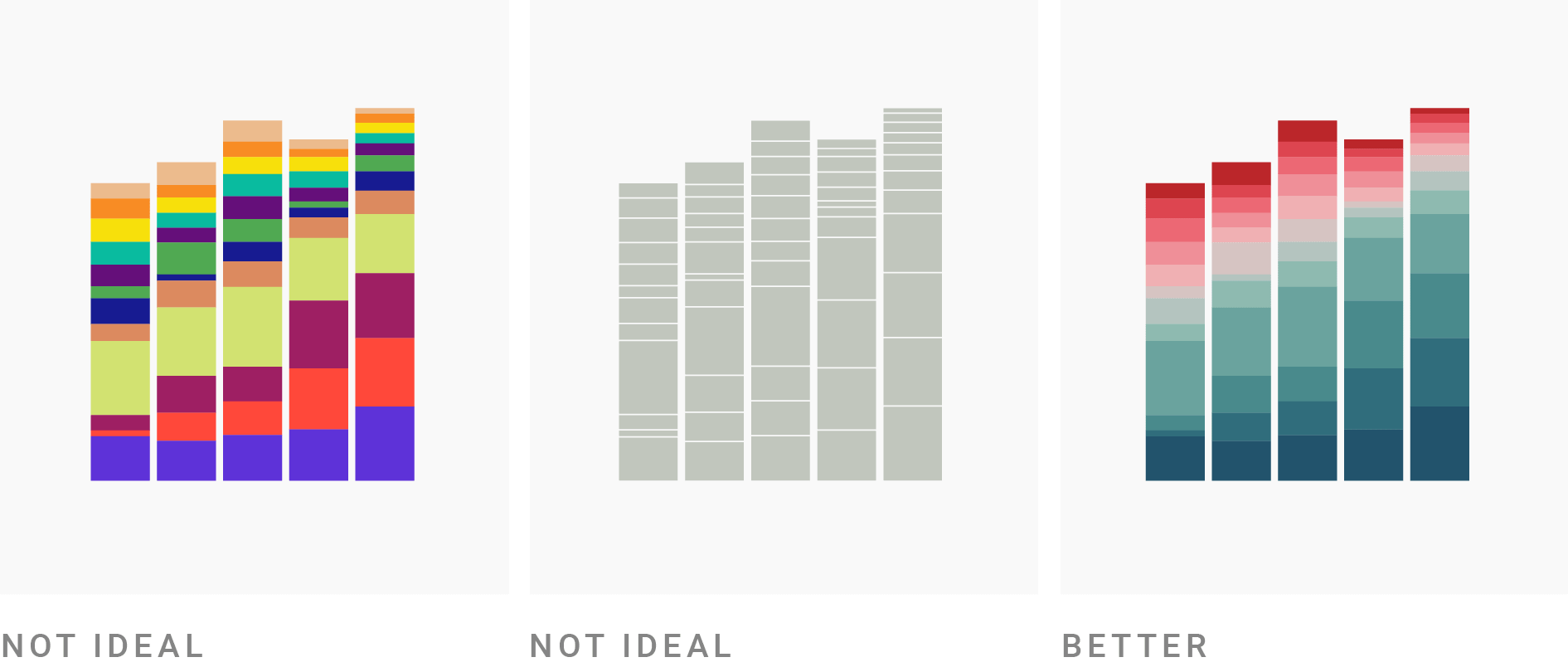
10 Ways To Use Fewer Colors In Your Data Visualizations Datawrapper Blog
In conclusion, the best chart to show reducing time taken trends depends on the specific use case and data. By understanding the strengths and weaknesses of each chart type, you can create effective visualizations that communicate your message clearly. Whether you choose a line chart, bar chart, or scatter plot, the key is to select a chart that resonates with your audience and facilitates data-driven decision-making. With the right chart, you can unlock the full potential of your data and drive meaningful improvements in time reduction and efficiency.
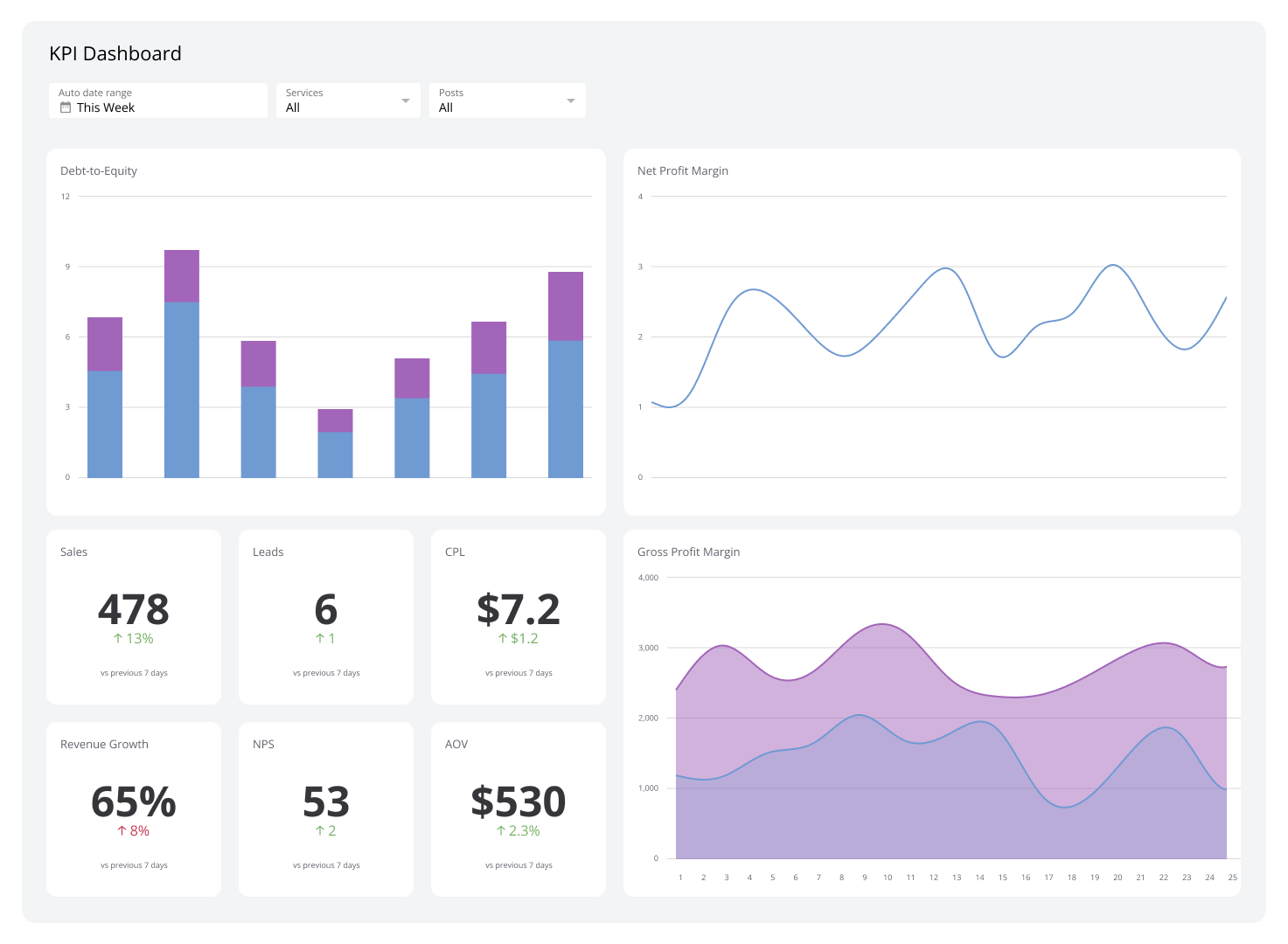
What Is A KPI Dashboard Dashboard Examples Best Practices Klipfolio
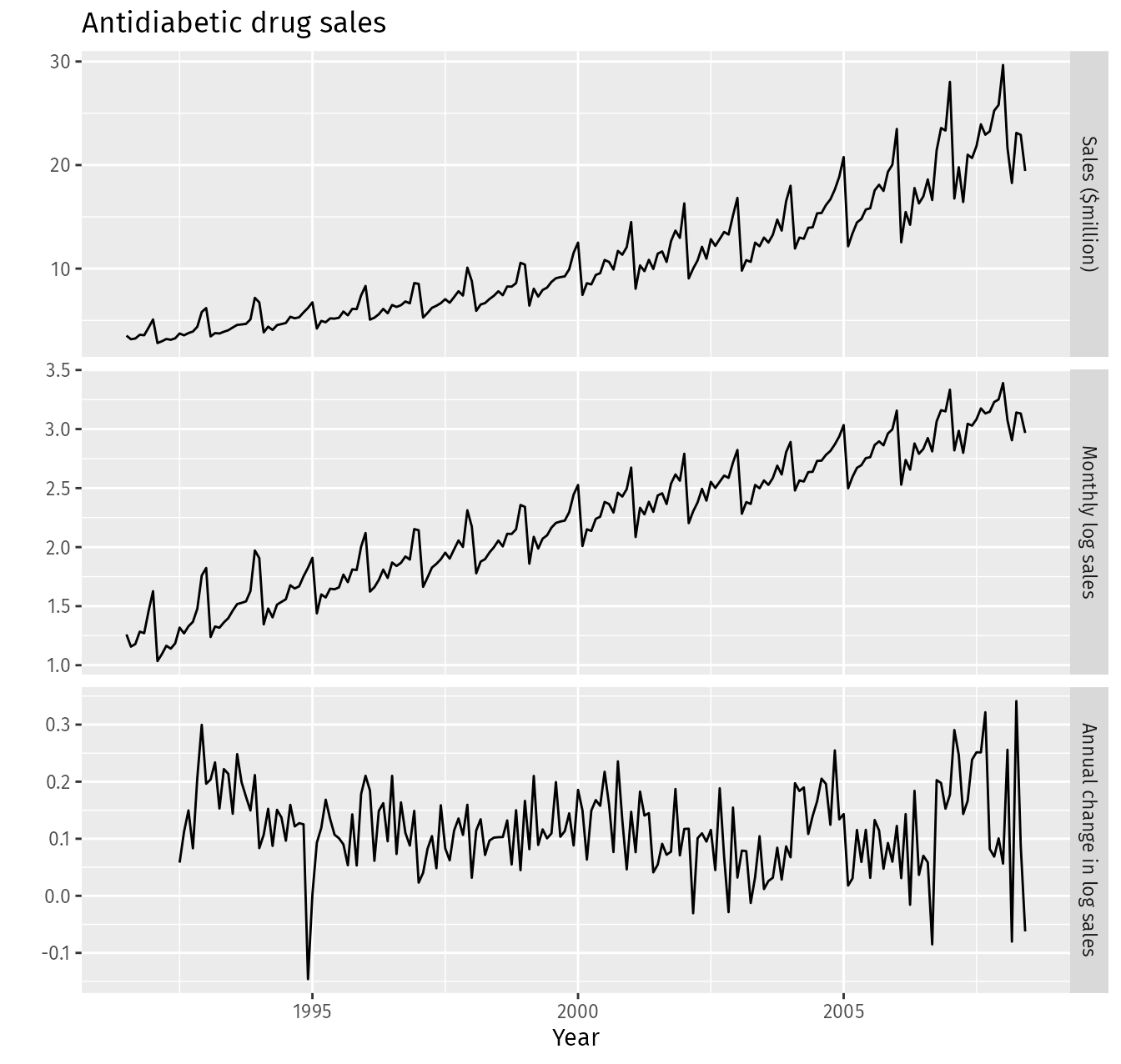
8 1 Stationarity And Differencing Forecasting Principles And Practice 2nd Ed